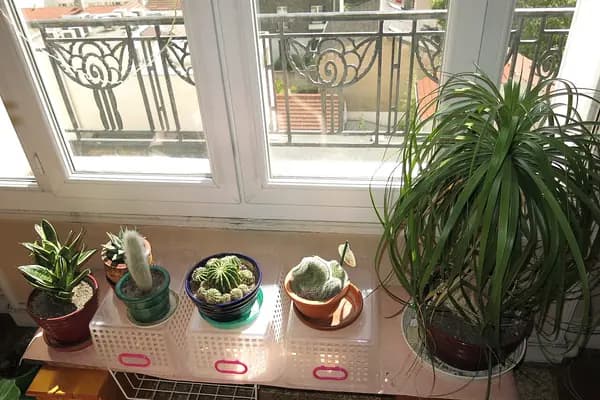
Home growing
Indoors, balcony and small shelves — watering and reminders.
Soil moisture · grow light · thermo-hygro
Open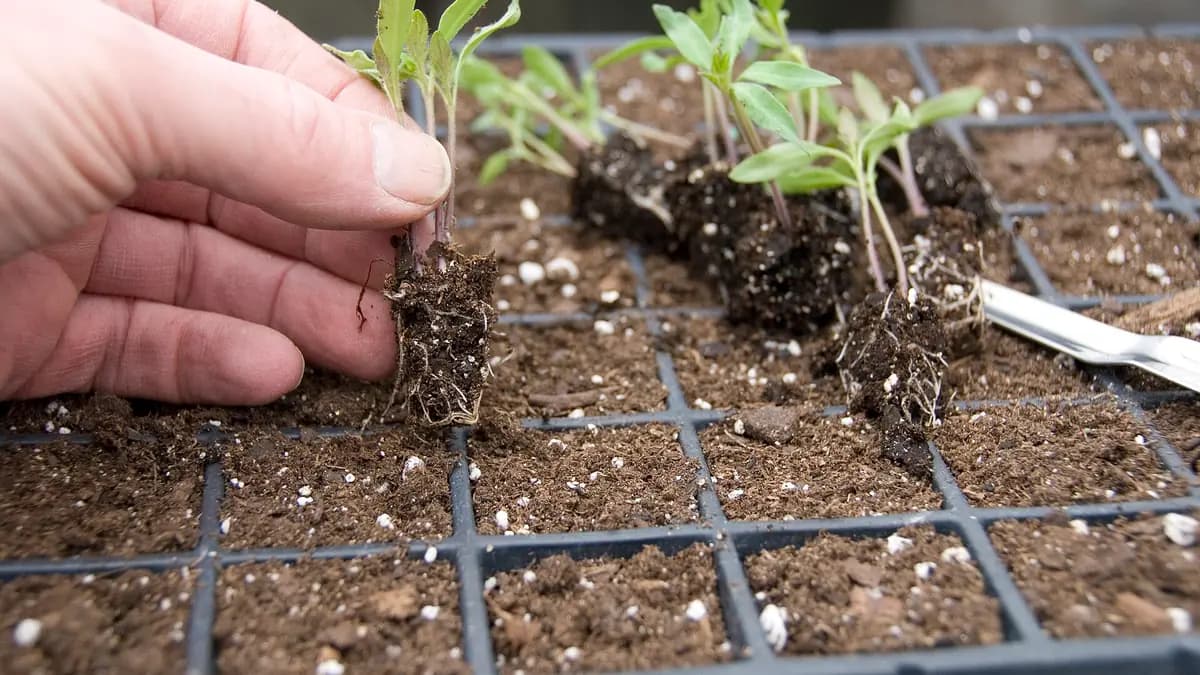
SproutMindAI is a clear helper for home growing. Create plots (balcony, room, greenhouse), add plants, and log care — without a complicated system.
…
…
Four separate contexts — devices and plots match the scale. Open the one you grow in.
Indoors, balcony and small shelves — watering and reminders.
Soil moisture · grow light · thermo-hygro
Open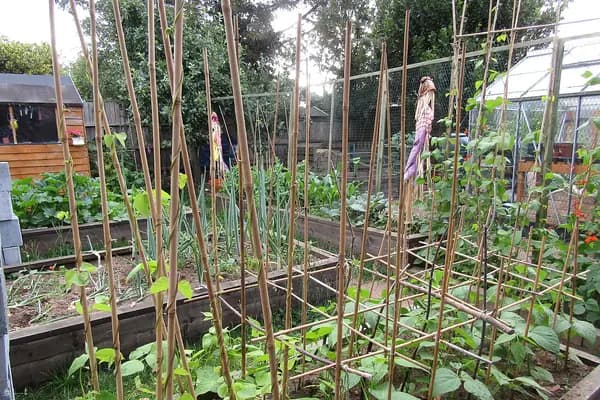
Outdoor beds — rows, drip and weather awareness.
Soil moisture · outdoor temp · drip timer
Open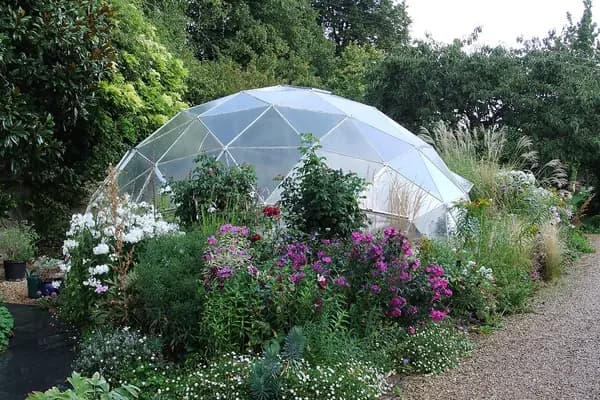
Covered dome — heat, ventilation and steady growth.
Temp/RH · moisture · fan
Open
Hectares and blocks — planning, checks and drone maps.
Multi-depth moisture · weather · scouting
OpenCamera or upload → species, habitat, and what you need to grow it at home.
Identify plantEcowitt station or your own ESP32 sensor: soil moisture, temperature and watering alerts.
Open sensorsYou keep track of what you grow and where. Start at home — the same idea scales to a larger setup later if you need it.
Every area is its own plot: a room, balcony, shelf, or hydro system.
See quickly what grows where — without separate sticky notes.
Watering, nutrients, tasks, and your own observations next to each plot.
Start with one plot. Add more when you need them — no upper limit.
The first version can be this light. Sensors and smart features come later.
Sample view for Sami: four home plots, plants, and upcoming tasks.